
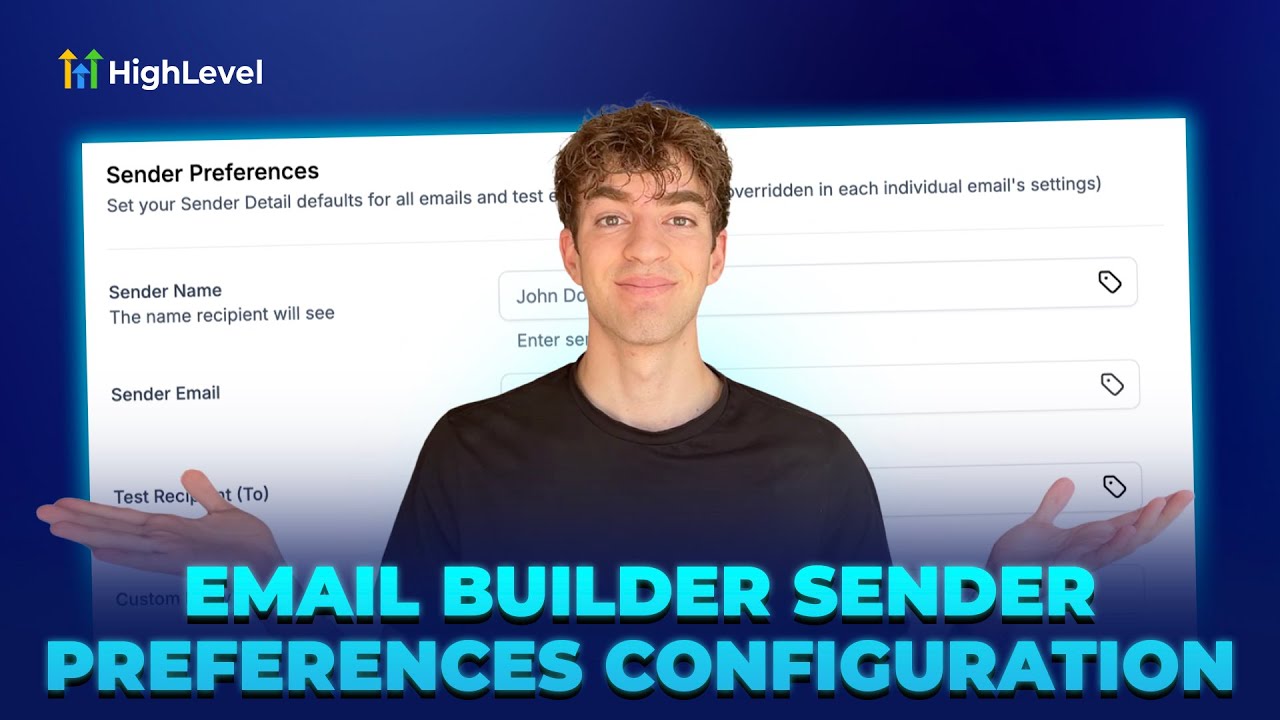
How to Set Up Sender Preferences in HighLevel Email Builder
For a 14-day free trial, click
———
For more information, be sure to check out the related help doc at
———
Want someone from the team to walk you through it? Click here
Learn how to set up sender preferences in the HighLevel email builder to save time and ensure brand consistency. This video guide walks you through configuring default sender details like name, email, and reply-to address. Simplify your email marketing by automating these settings for every campaign.
00:00 Introduction to HighLevel Email Builder
00:04 Understanding Sender Preferences
00:33 Benefits of Using Sender Preferences
00:53 Step-by-Step Setup Guide
01:11 Testing and Important Notes
01:34 Conclusion
Posted in Affiliate Marketing

For a 14-day free trial, click http://gohighlevel.com/army-offer
———
For more information, be sure to check out the related help doc at https://help.gohighlevel.com/en/support/solutions/articles/155000005908-how-to-set-up-the-sender-preferences-in-email-builder
———
Want someone from the team to walk you through it? Click here https://speakwith.us/success