
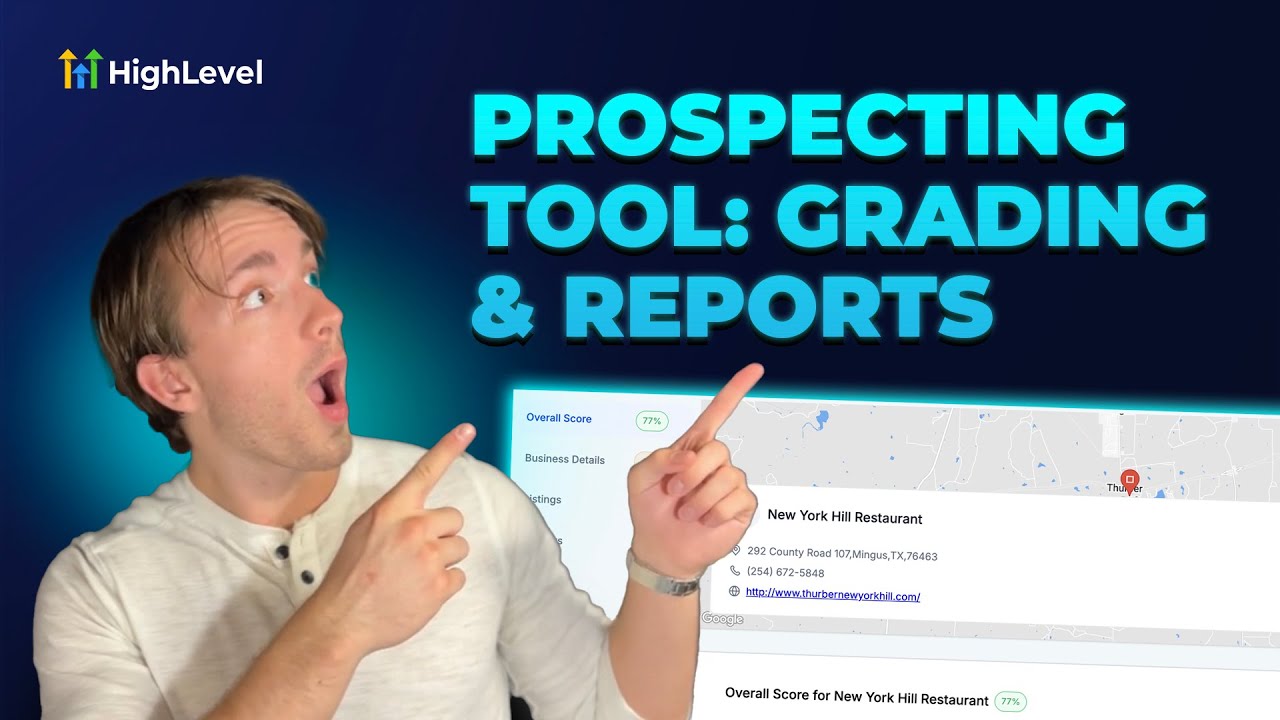
How to Use Grading and Navigation in the Prospecting Tool
For a 14-day free trial, click
———
For more information, be sure to check out the related help doc at
———
Want someone from the team to walk you through it? Click here
Join Andrew as he explores the latest enhancements to the prospecting tool, focusing on the grading feature and the navigation sidebar. Discover how these changes can streamline your marketing audit reports and help close more deals efficiently. Watch to get all the details!
00:00 Introduction and Overview
00:01 New UI Improvements in Prospecting Tool
00:49 Grading Feature Explained
01:05 Navigation Sidebar Overview
01:53 Practical Benefits and Conclusion
Posted in Affiliate Marketing

For a 14-day free trial, click http://gohighlevel.com/army-offer
———
For more information, be sure to check out the related help doc at https://help.gohighlevel.com/en/support/solutions/articles/155000004744-prospecting-tool-grading-sheet-and-sidebar-in-marketing-report
———
Want someone from the team to walk you through it? Click here https://speakwith.us/success
🙂🙂🙂
🤑🤑🤑